AI Agents
Human in the Loop: Where to Keep People in Your AI Workflows
By Niall · 7 min read
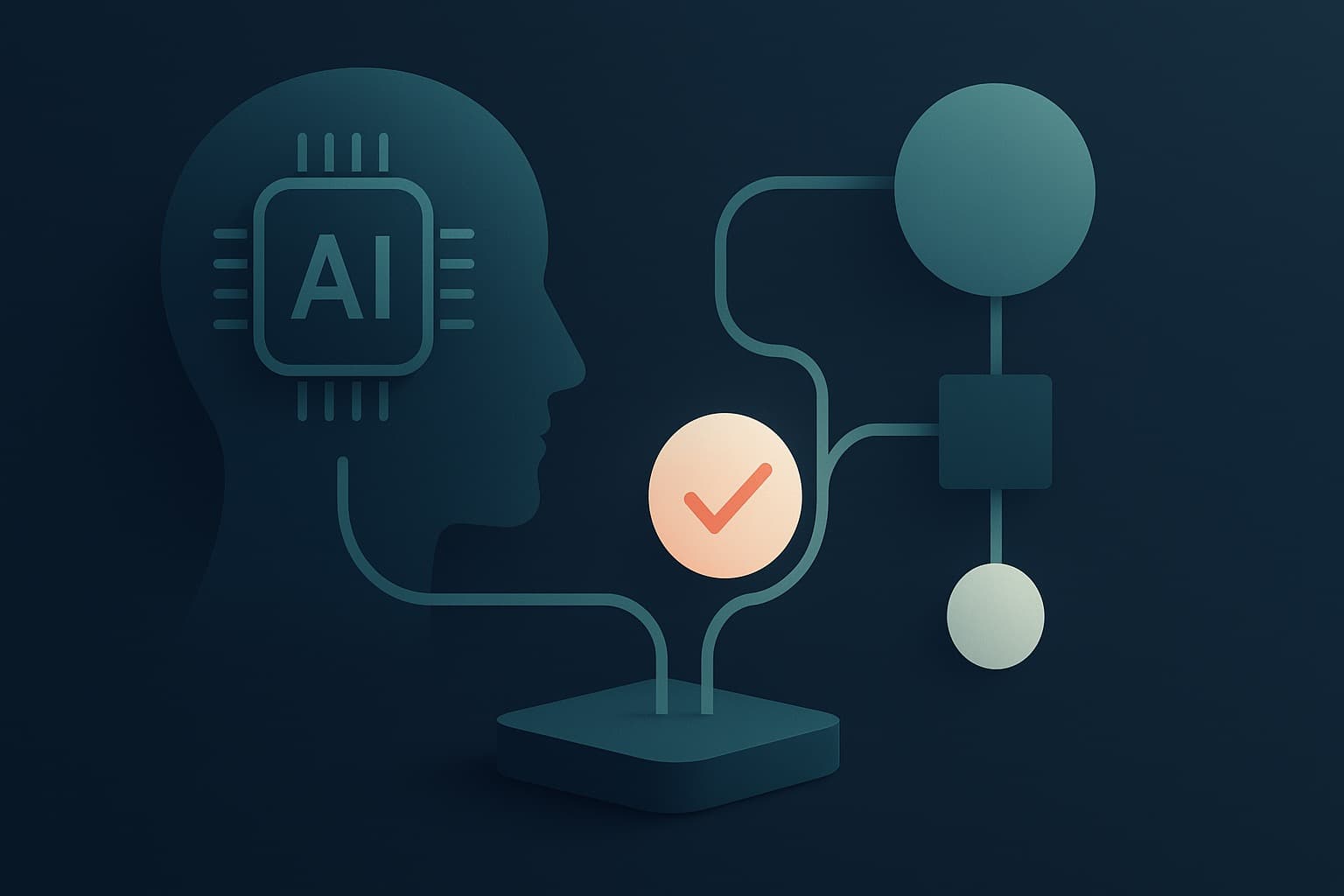
Everyone agrees humans should stay in the loop; the real skill is deciding exactly where, when and how.
'Human in the loop' has become a reassuring phrase that often means very little. Everyone agrees people should stay involved in AI workflows. Far fewer have decided exactly where, when, and how, which is the part that actually determines whether the system is safe and whether it is worth the effort.
Keep a human in front of everything and you have not really automated anything. Take the human out entirely and a confident mistake becomes your customer's problem before anyone notices. The skill is choosing precisely which decisions need a person, and designing the workflow so those people are effective rather than overwhelmed.
Decide by stakes and reversibility
The cleanest way to place humans is to sort actions along two lines: how much damage a mistake does, and how easily it can be undone. A reversible, low-stakes action, drafting a reply for review or tagging a ticket, can run on its own. An irreversible, high-stakes one, issuing a refund, sending a legal notice, deleting data, deserves a person's sign-off.
Most workflows are a mix. The goal is not all or nothing, it is to automate the safe majority and reserve human attention for the small set of actions where judgement genuinely matters. That keeps both speed and safety, instead of trading one for the other.
When you are unsure where an action sits, default to caution and add a human. It is far cheaper to remove a checkpoint later, once you trust the system, than to add one after a costly mistake has already gone out the door.
Confidence thresholds
Models can often estimate how sure they are, and you can use that. Set a threshold: above it, the system acts; below it, it escalates to a person. A document classifier might file the clear cases automatically and route the ambiguous ones to a human queue. Tune the threshold against real data, tighter where mistakes are costly, looser where they are cheap.
Confidence is not infallible, so treat the threshold as a dial, not a guarantee. Start conservative, send more to humans than you think you need, and relax it only as the data shows the system is right when it claims to be. A model that is confidently wrong is exactly what the threshold is there to catch.
Review queues people can actually use
When an agent hands work to a person, how it hands it over matters enormously. A review queue should make the human's job fast: show what the agent proposes, why it proposed it, the evidence it used, and a one-click way to approve, edit or reject. Bury that in a confusing interface and your reviewers become the bottleneck.
Speed matters here for a subtle reason: a slow queue quietly pushes reviewers towards approving without looking, which removes the safety you built the queue for. A fast, clear interface keeps the human genuinely in the loop rather than nominally so.
- Show the proposed action and the reasoning behind it, not just a raw output.
- Include the source data so the reviewer can check without hunting for it.
- Make approve, edit and reject fast, ideally a single action each.
- Capture the reviewer's decision as data, so the system can learn where it tends to be wrong.
Escalation paths
Not every exception is the same, so not every escalation should land in the same place. A pricing question might go to sales, a data discrepancy to operations, a possible compliance issue to a manager. Define these paths explicitly, including what happens when the first responder is unavailable. An escalation with nowhere to go is just a silent failure with extra steps.
Define them once, write them down, and make sure each path has an owner and a fallback. The worst escalation is the one that routes a genuine problem to a queue nobody watches, where it sits looking handled while quietly going stale.
Earning autonomy over time
Trust in an agent should be earned, not assumed, and your workflow should reflect that. Start supervised, with a human approving most actions. As you gather evidence that the agent is reliable in a given case, raise its autonomy there, while keeping the harder cases supervised. This phased approach is how you move safely from assistant to trusted operator.
Write the criteria for moving between phases down in advance, so the decision to grant more autonomy is based on evidence rather than impatience or enthusiasm. Trust that is granted on a hunch tends to be withdrawn after an incident, which is a worse place to be than starting cautiously.
- Phase one: the agent proposes, a human approves nearly everything.
- Phase two: the agent handles high-confidence, low-risk cases alone, and escalates the rest.
- Phase three: autonomy expands case by case, backed by monitoring and clear limits.
Watch the humans too
Human in the loop only works if the humans stay sharp. Reviewers who rubber-stamp everything add risk without adding safety. Watch for approval fatigue, vary what you ask people to check, and use disagreements between the agent and its reviewers as a signal about both.
Rotate reviewers, sample their decisions, and feed clear disagreements back into the design. The humans are part of the system, and a loop that burns them out or lulls them to sleep will fail just as surely as a bad model.
There is no universal answer to where people belong in an AI workflow. It depends on your risk, your data and your appetite, which is exactly the kind of judgement an AI Readiness Audit or a well-built agent engagement is meant to bring. Get the placement of humans right and you get the best of both: the speed of automation and the judgement of people, where each does its best work.
Relevant services
AI Agents & Assistants
Agents that do real work, reliably, not just in a demo.
Explore AI Agents →AI Pipelines & Workflow Automation
Automate the repetitive, error-prone work that slows you down.
Explore Automation →AI Consulting & Strategy
Turn AI from a buzzword into measurable business value.
Explore AI Consulting →