AI Agents
The Cost of an AI Agent: Tokens, Latency and How to Control Them
By Niall · 8 min read

An agent that works but quietly costs more than the people it helps is a problem you find in the billing dashboard.
An AI agent that works is a relief. An AI agent that works and quietly costs more than the people it was meant to help is a problem you discover later, usually in a billing dashboard. Cost and latency are not afterthoughts in agent design; they are design constraints, and the teams that treat them that way ship systems that stay affordable as they scale.
The good news is that the levers are well understood. You rarely have to choose between cheap and good. With a few deliberate decisions, you can cut the cost and speed of an agent dramatically while keeping the quality that made it worth building.
Where the money actually goes
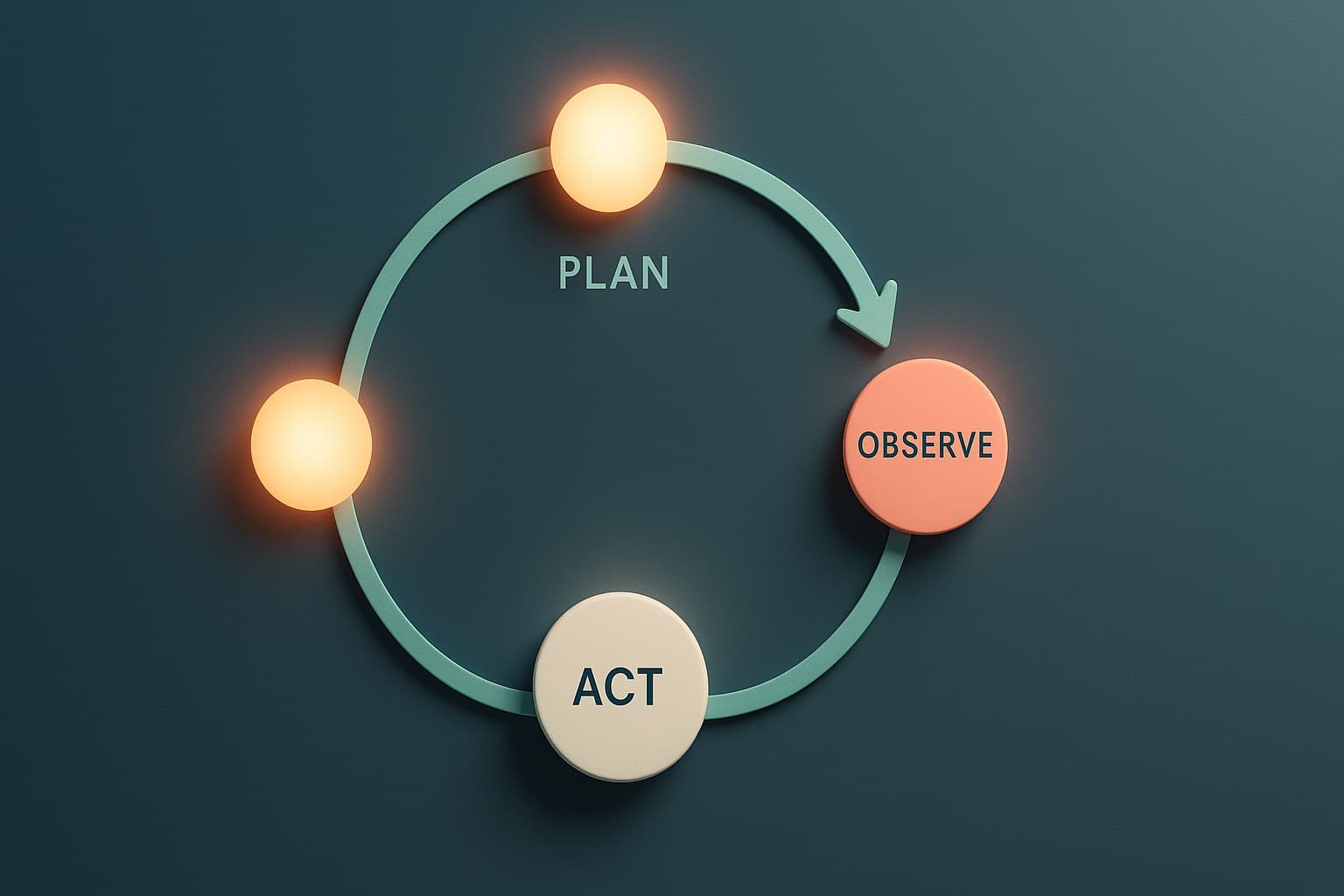
Most agent cost is tokens, the units of text the model reads and writes. You pay for both the input, everything you send the model, and the output, everything it generates. Because agents often loop, calling tools, reading results, deciding again, a single task can rack up many model calls, and the input grows each time as the conversation accumulates.
This is the first thing to understand: in a multi-step agent, the input usually dwarfs the output. The prompt, the history, the tool results and the instructions are sent again and again. Controlling cost is mostly about controlling what you send, not what the model says back.
Tame context bloat
- Send only the context the current step needs, not the entire history every time.
- Summarise long conversations instead of replaying every message in full.
- Trim tool results to the fields that matter before feeding them back to the model.
- Drop stale context once it has served its purpose in the task.
Context bloat is the most common reason agents cost more than expected. Each step inherits everything from the last, and without discipline the prompt grows until most of your spend is re-reading text the model has already seen. A little pruning at each step compounds into a large saving over a whole task.
A useful habit is to log the size of the prompt at each step while you are building. The moment you can see the token count climbing, the fix is usually obvious: a tool result you forgot to trim, or a full history you could have summarised three steps ago.
Cache what repeats
A lot of what an agent sends is identical from call to call: the system prompt, the tool definitions, the standing instructions. Prompt caching lets the provider reuse that repeated prefix instead of charging you to process it afresh every time, which can cut both cost and latency on long, stable prompts. Response caching helps too: if the same question has been answered, serve the stored answer rather than paying to generate it again.
Caching is close to free money, but only if your prompts are structured to take advantage of it. Keep the stable, repeated parts at the front and the variable parts at the end, so the cacheable prefix is as long as possible. A little structure here pays off on every call.
Use the right model for each job
Not every step needs your most capable, most expensive model. Agents are made of sub-tasks, and many are easy: classifying intent, extracting a field, formatting a result. Route those to a smaller, cheaper, faster model and reserve the flagship for the genuinely hard reasoning. This mix, sometimes called a model cascade, often cuts cost sharply with no visible drop in quality.
The trick is to match the model to the difficulty of the step, not the importance of the product. A cheap model doing a simple job well is not a compromise, it is good engineering.
Latency budgets and batching
Cost is money; latency is patience. Each model call and tool round-trip adds delay, and a chatty agent can feel sluggish even when each step is fast. Set a latency budget for the whole task and design within it. Run independent steps in parallel rather than in sequence, and where work is not urgent, batch many requests together to process them more cheaply.
The point is to be deliberate. Decide up front how fast a task needs to feel, then spend your latency budget where the user will notice it and save it everywhere they will not.
- Parallelise tool calls and sub-tasks that do not depend on each other.
- Stream output so the user sees progress instead of a blank wait.
- Batch non-urgent work, overnight reports, bulk processing, for lower cost.
- Cut unnecessary steps; the fastest call is the one you do not make.
Monitor spend like you mean it
You cannot control what you cannot see. Instrument the agent to record tokens, model calls and cost per task from day one, not after the first surprising invoice. Watch cost per completed task as a headline number, set alerts for unusual spikes, and review the most expensive task types regularly. Spend that is measured is spend you can manage.
Make cost a number the whole team can see, not a secret in a finance report. When engineers can watch the cost per task move as they change a prompt or a model, they optimise it naturally, and the surprises stop arriving at the end of the month.
Controlling the cost and latency of an agent is not penny-pinching, it is what makes the difference between a clever prototype and a system you can run at scale. Pruned context, sensible caching, the right model per step, and honest monitoring usually save far more than they cost to set up. Building agents that stay fast and affordable as they grow is a core part of how we engineer them.
Relevant services
AI Agents & Assistants
Agents that do real work, reliably, not just in a demo.
Explore AI Agents →Custom Software Engineering
Senior engineering that ships, web, mobile, SaaS and APIs.
Explore Software →AI Pipelines & Workflow Automation
Automate the repetitive, error-prone work that slows you down.
Explore Automation →