Automation
Document Processing With AI: From Inbox to Clean Data, Automatically
By Niall · 7 min read
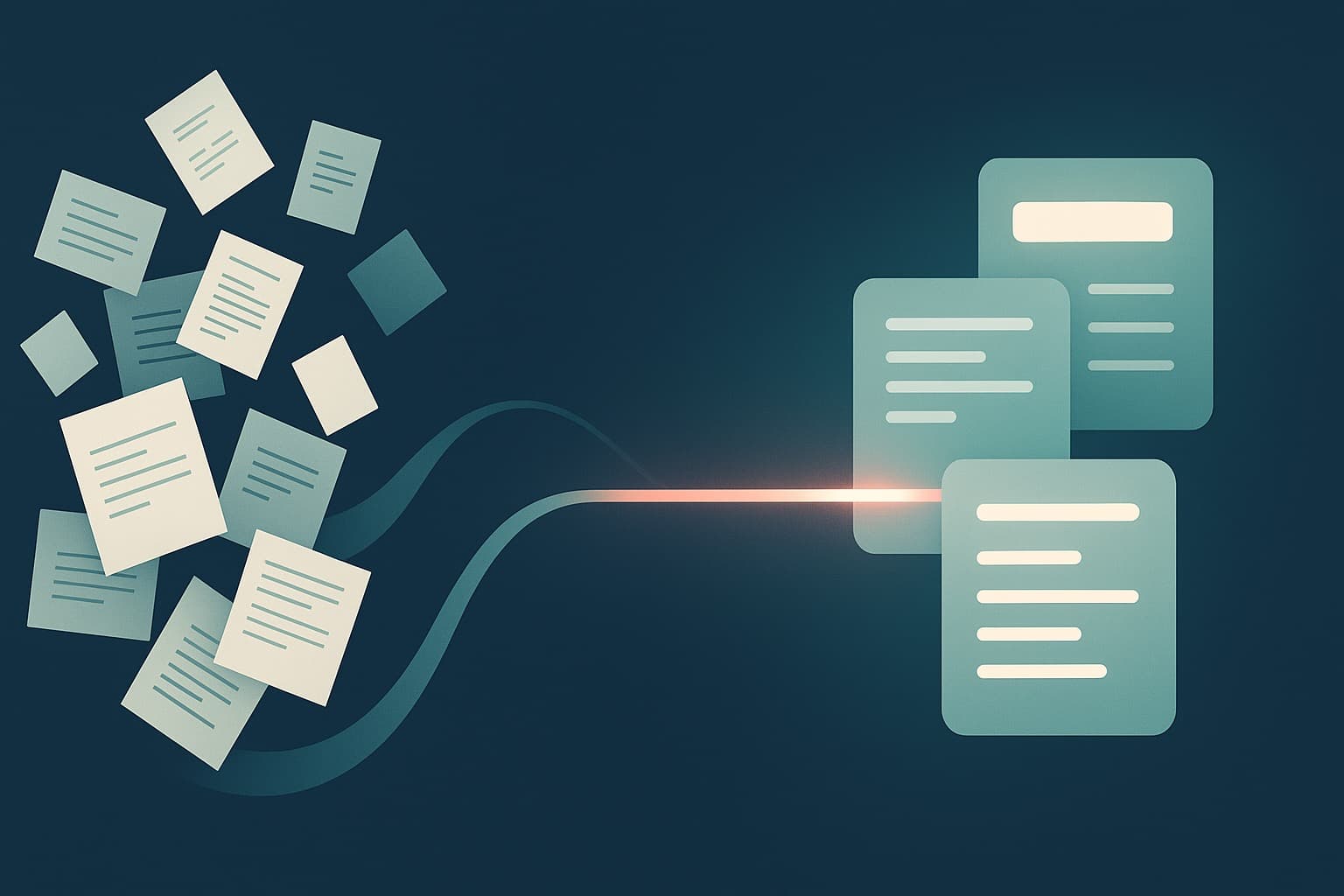
AI can take a document from your inbox to a clean, validated record in your systems, with a human checking only what genuinely needs a second look.
Every business runs on documents it did not choose to receive: invoices in a dozen layouts, signed forms, contracts, delivery notes, applications. Someone opens each one, reads it, types the important parts into another system, and moves on. It is quiet, repetitive work, and it scales badly. The more you grow, the more people you need just to keep the data flowing.
Modern AI changes the economics of that work. With vision and language models working together, a document can go from an inbox to a clean, validated record in your systems with very little human effort, and with a person checking only the cases that genuinely need a second look. Here is how that pipeline fits together, and where the care has to go.
What makes documents so hard
Documents are deceptively difficult because they are written for humans, not machines. The same invoice arrives as a crisp PDF one day and a phone photo of a creased page the next. Field names vary, layouts shift, and important details hide in footnotes or handwriting. Traditional template-based tools cope until the layout changes, then they break and someone has to rebuild the template by hand.
That brittleness is why so much document work stayed manual for so long. The job needs something that can read a page the way a person does, understanding it rather than matching it to fixed positions, while still being precise about the numbers that actually matter.
How AI reads a page
A modern pipeline usually pairs two capabilities. A vision model handles the layout: it turns pixels into text, understands tables, and keeps track of where things sit on the page. A language model then interprets that text, working out which number is the total, which date is the due date, and which party is the supplier. Together they can read a messy real-world document and make sense of it without a rigid template.
- Invoices and purchase orders, where totals, tax and line items have to be exact.
- Forms and applications, where fields are named inconsistently across sources.
- Contracts, where the useful detail is buried in long, dense prose.
- Delivery notes and receipts, which often arrive as photos rather than clean scans.
From raw text to structured data
Reading a document is only half the job. The output you actually want is structured: a record with named fields that your systems understand. The reliable pattern is to define a clear schema up front, the exact fields you need and their types, and ask the model to return data in that shape. A messy contract becomes a tidy object with parties, dates, values and terms, ready to use.
Defining that schema is where domain knowledge earns its keep. Get the fields right and the rest of the pipeline becomes straightforward. Leave them vague and you simply inherit the ambiguity further downstream, where it is harder to spot and far more expensive to put right.
Validating against your rules
Extraction without validation is how bad data sneaks in. Before a record is trusted, it should be checked against rules you already know: totals add up, dates are plausible, a supplier exists in your records, a value sits inside an expected range. These checks catch both genuine errors on the document itself and the occasional confident mistake from the model.
The human-in-the-loop pattern
This is the part that makes AI document processing safe to rely on. Every extracted field can carry a confidence signal. High-confidence records that pass validation flow straight through. Anything uncertain, a smudged total, an unfamiliar layout, a failed check, is routed to a person who confirms or corrects it in seconds rather than retyping the whole document.
- Clear records pass through automatically, with no human touch at all.
- Low-confidence or rule-breaking records are queued for a quick human review.
- Corrections feed back in, so the system keeps improving on the documents you actually see.
The result is a team that reviews exceptions instead of processing everything, which is where the real time saving comes from. People spend their attention on the handful of genuinely tricky cases, not the hundreds of routine ones that no longer need a human at all.
Getting clean records into your systems
A validated record is only useful once it lands where work happens: your accounting tool, CRM, database or ERP. The final stage of the pipeline pushes records through the relevant integration, with retries when a system is briefly unavailable and alerts when something needs attention. Done well, the document arrives, the data appears where it should, and nobody had to copy a single field by hand.
It is worth designing the unhappy paths here too. Systems go down, credentials expire, and now and then a record has nowhere valid to land. A dependable pipeline queues those cases, retries safely without creating duplicates, and tells someone when a record cannot be delivered, so nothing slips silently into a gap between the document and your database.
Measuring accuracy and keeping it honest
Accuracy is not a one-time claim, it is something you monitor. Track how often records pass straight through, how often humans intervene, and where corrections tend to cluster. Those patterns tell you which document types to tune next and give you an honest, defensible number for how well the system performs, rather than a hopeful guess that nobody can stand behind.
Document processing is one of the most dependable places to start with automation, because the work is high-volume, the rules are knowable, and the payoff is easy to measure. If your team is still moving data from documents into systems by hand, an Automation Audit is a good way to see what a clean, human-in-the-loop pipeline could hand back to you.
Relevant services
AI Pipelines & Workflow Automation
Automate the repetitive, error-prone work that slows you down.
Explore Automation →AI Agents & Assistants
Agents that do real work, reliably, not just in a demo.
Explore AI Agents →Custom Software Engineering
Senior engineering that ships, web, mobile, SaaS and APIs.
Explore Software →