AI Tools
Claude, Claude Code and Claude Cowork: What They Are and Who Uses Them
By Niall · 6 min read
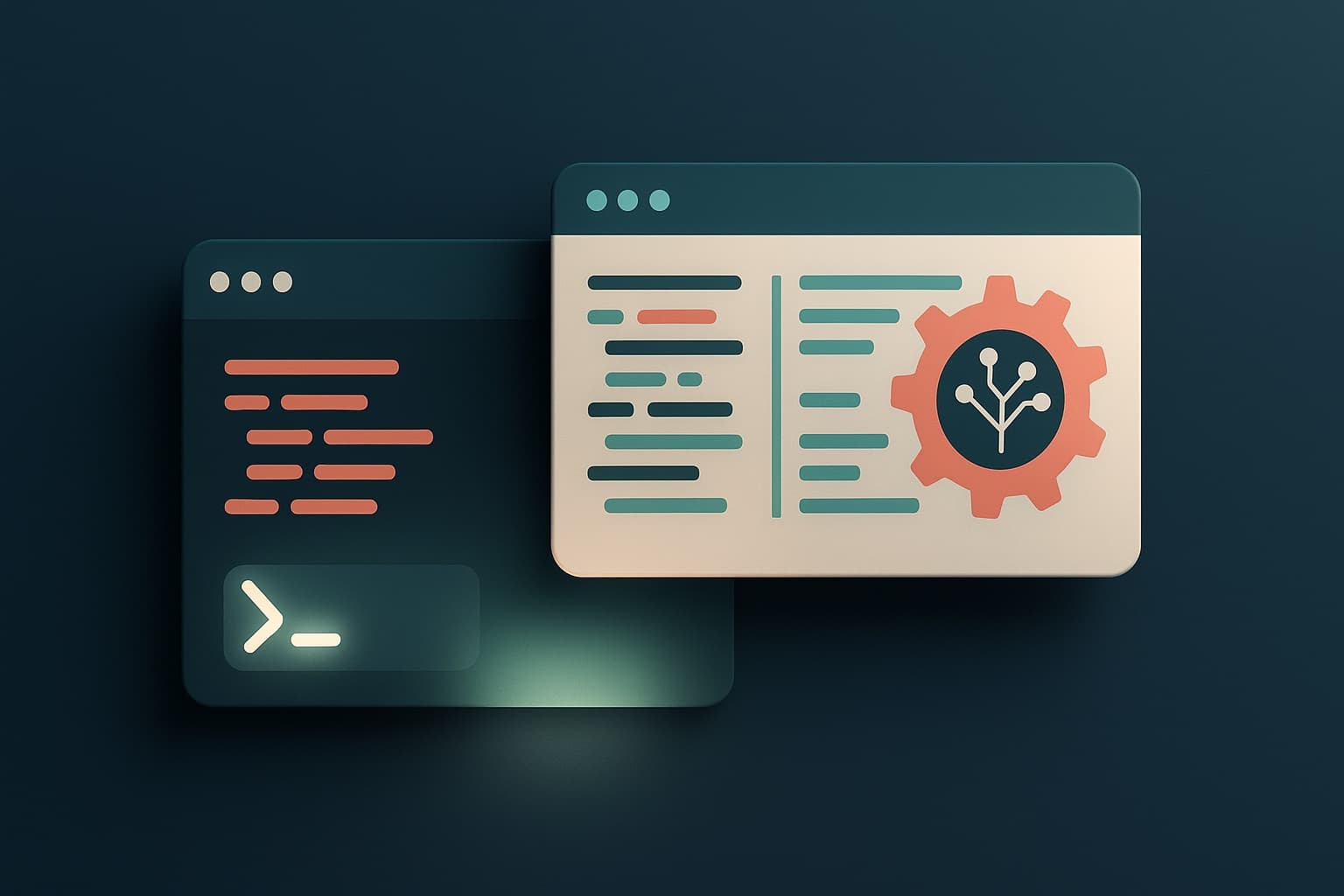
Chat app, command-line agent or autonomous teammate? Here's the Claude family, untangled.
If you have spent any time around AI lately, you have probably heard the word 'Claude' used to mean several different things. Sometimes it is a chat app, sometimes a coding tool, sometimes an autonomous agent. They are related, but they are not the same, and the differences matter when you are deciding what to actually use.
We use these tools every day, so here is a plain-language guide to the Claude family: what each part is, how they differ, and who tends to get the most out of them.
Claude the model family
At the foundation, Claude is a family of AI models built by Anthropic. There are three tiers, and choosing between them is mostly a question of balancing capability against speed and cost.
- Opus 4.8 is the most capable, built for the hardest reasoning and coding tasks.
- Sonnet is cheaper and fast, and handles the large majority of everyday work very well.
- Haiku is the fastest, suited to high-volume, latency-sensitive tasks.
Everything else in the Claude world is a way of putting these models to work. Once you understand that the model is the engine, the various products become much easier to tell apart.
Choosing a tier is a decision you will make constantly. As a rule of thumb, start with Sonnet, drop to Haiku when volume and speed dominate, and reach for Opus only when a task is genuinely hard. Paying for the most capable model on simple work is a common and avoidable waste.
Claude.ai: the chat app
Claude.ai is the chat application most people meet first. You open it in a browser, type a question or paste in some text, and get an answer. It is excellent for asking, drafting, summarising and thinking through a problem, the same role a chat assistant now plays for millions of people.
What it does not do is reach into your systems and make changes. It is a conversation, not an operator. That is exactly right for a huge range of work, and it is also where the other tools pick up.
For a lot of people and a lot of tasks, this is all they will ever need. Drafting an email, summarising a long report, or talking through an idea does not require the model to touch your files or your systems, and the simplicity is a feature, not a limitation.
Claude Code: the command-line agent
Claude Code is a different animal. It is an agentic coding tool that runs in your terminal, and it works directly with your codebase. Rather than answering a question about your code, it reads the project, plans an approach, edits files, runs commands, and executes tests to check its work.
That shift, from talking about code to changing it, is what makes it an agent rather than an assistant. Software engineers use it to carry out multi-step tasks: implementing a feature, fixing a failing test suite, or refactoring across many files, with a human reviewing the result.
Because it runs commands and tests, it can close the loop on its own work: make a change, run the suite, see what failed, and try again. That ability to verify and iterate is what lets it tackle tasks a chat assistant could only describe.
Cursor, Windsurf and the API
Claude does not only show up in Anthropic's own products. Through the API, the same models power AI coding editors such as Cursor and Windsurf. In those tools, Claude provides the intelligence behind inline edits and autocomplete while you work in a familiar editor.
This is why a single model can feel so different depending on where you meet it. In a chat app it drafts and explains. In an editor it makes inline edits as you type. On the command line it runs as an autonomous agent. Same engine, very different experiences.
It also explains why the bill arrives from different places. You might pay Anthropic directly for the chat app and Claude Code, and pay an editor like Cursor separately, even though the same underlying model is doing the thinking in each one.
Cowork-style agents: the autonomous teammate
The newest pattern, often described with the word 'cowork', pushes further still. These are autonomous agents that behave less like a tool you operate and more like a teammate you delegate to. They plan, use tools, and carry out longer pieces of work, with a human reviewing and approving along the way.
The human-in-the-loop part is not a detail, it is the point. Autonomy without review is how small mistakes become big ones. The teams getting value from these agents pair their speed with disciplined checkpoints.
Who actually uses these
In practice, the heaviest users are developers, AI-native teams, and technical founders who want to move quickly without hiring a large team. The chat app suits anyone. The coding tools and agents suit people who are comfortable reviewing technical output and steering it.
The common thread is comfort with delegation and review. The more autonomous the tool, the more the skill shifts from doing the work yourself to setting it up well, checking it carefully, and knowing when to step in. That is a different habit to build, and it is worth building.
The tools are remarkable, but they reward judgement: knowing which one fits the task, and reviewing what they produce before it ships. That blend of modern tooling and senior engineering discipline is exactly how we approach the software we build.
Relevant services