RAG
Chat With Your Documents: A Knowledge Assistant That Cites Its Sources
By Niall · 7 min read
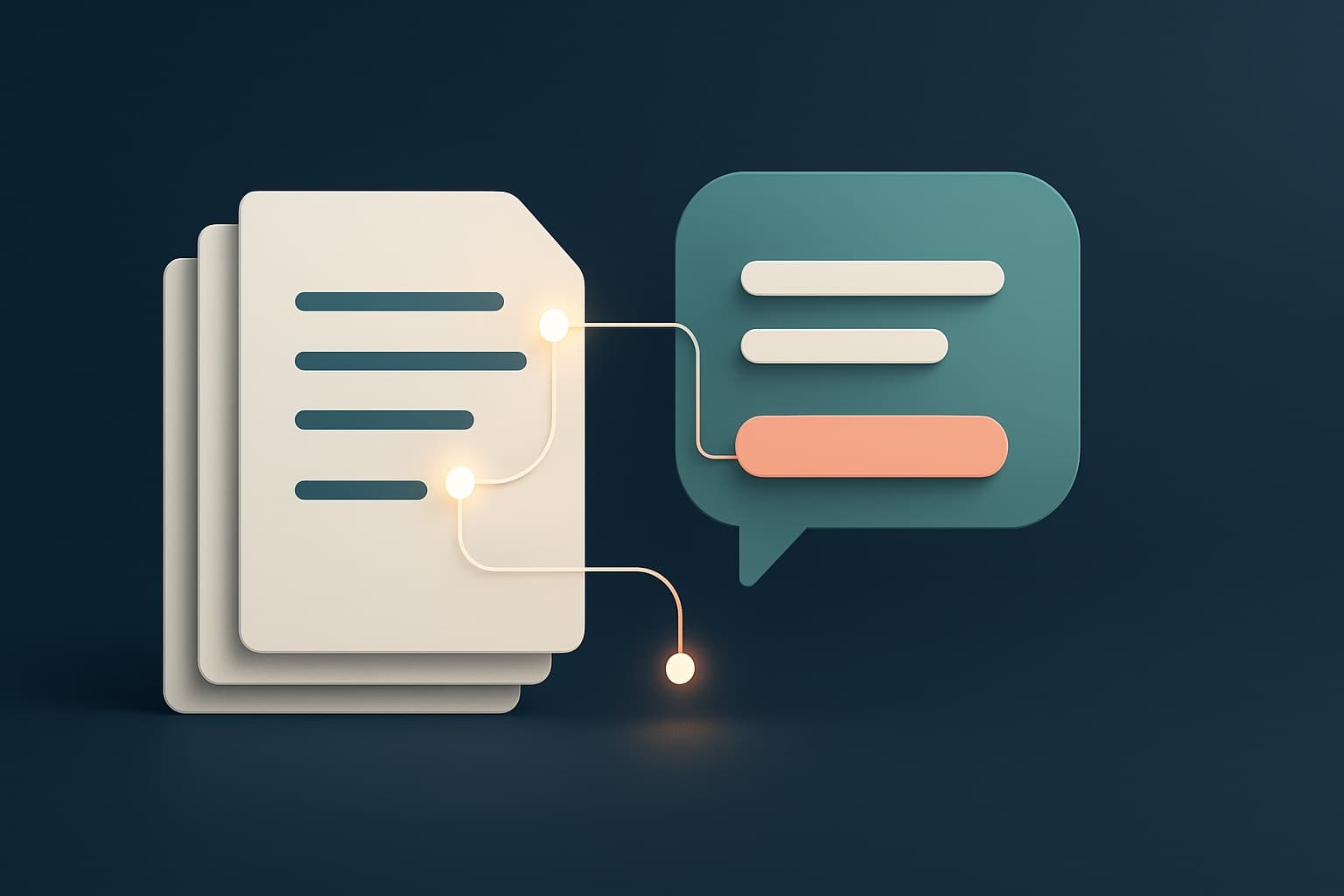
A trustworthy document assistant answers only from your text, cites its sources, and admits when it cannot find one.
'Can I just ask my documents questions?' is one of the most common requests we hear, and it is a good one. The promise is simple: point an assistant at your contracts, policies, manuals or research, and get straight answers with a link to the exact source, instead of hunting through folders.
Building one that is genuinely trustworthy, that answers only from your text and admits when it cannot, takes more than dropping files into a model. Here is what actually goes into a document assistant that cites its sources and knows its limits.
Ingestion: getting your documents in
It starts unglamorously, with reading your files reliably. PDFs, Word documents, web pages, spreadsheets and scanned images all store text differently, and a knowledge assistant is only as good as the text you manage to extract. Tables, headings and the order of content all matter, because losing structure here quietly degrades every answer later.
Ingestion is also where you decide what is in scope. Pulling in everything sounds thorough but often adds noise and stale material. A smaller, curated, current set of documents usually produces sharper answers than a sprawling archive nobody has weeded.
Chunking: breaking documents into pieces
Models and retrieval work best over passages, not whole documents, so each file is split into chunks. Chunk too large and a passage contains several topics, blurring relevance. Chunk too small and you lose the context that makes an answer make sense. Good chunking respects the document's natural structure, sections, paragraphs, headings, rather than slicing blindly by character count.
There is no universal chunk size. Dense legal text and chatty support articles want different treatment, and the only reliable way to settle it is to try a couple of strategies and see which retrieves better on real questions. Chunking is where a little experimentation pays off handsomely.
- Split along natural boundaries like headings and paragraphs where you can.
- Keep related content together so a chunk answers a question on its own.
- Overlap chunks slightly so meaning is not lost at the edges.
- Keep each chunk's source, page and section so you can cite it later.
Embeddings and retrieval
Each chunk is turned into an embedding, a numerical representation of its meaning, and stored in a vector database. When someone asks a question, it is embedded the same way, and the system retrieves the chunks whose meaning is closest. This is what lets the assistant find the right passage even when the question uses none of the document's exact words.
The retrieved chunks, not the whole archive, are what the model sees when it answers. Getting this step right, returning the genuinely relevant passages and not a pile of near-misses, matters more to answer quality than almost anything else in the system.
Retrieval quality is also the easiest thing to measure and improve. Take a set of real questions, check whether the right passage comes back in the top results, and tune from there. Most complaints that the assistant gave a bad answer trace back to the wrong passages being retrieved.
Answering only from the sources
The heart of a trustworthy document assistant is a simple rule: answer only from the retrieved text, and cite it. The model is instructed to ground every claim in the passages it was given and to attach the source for each. That citation is not decoration, it lets a user verify the answer in seconds, which is what turns a plausible response into a trusted one.
Crucially, the model should treat the retrieved passages as the only source of truth, not as a hint to be blended with its own training. That single instruction, answer from these sources and nothing else, is what stops a document assistant from drifting back into confident guesswork.
This is also where most of the prompt engineering effort goes. Getting the model to refuse politely when the sources are silent, to quote rather than paraphrase where precision matters, and to attach clean citations, takes iteration, and it is worth every round.
Guardrails and a graceful 'I cannot find that'
Just as important as good answers is honest silence. When the documents do not cover a question, the assistant must say so, 'I cannot find that in the available documents', rather than fill the gap with a confident guess. Designing for that graceful failure is what keeps the system safe to rely on.
Honesty also protects you legally and reputationally. An assistant that invents a refund policy or misquotes a contract creates real liability, while one that says it cannot find the answer simply sends the person to the right place. Designing for graceful failure is risk management as much as user experience.
Keeping it fresh and measuring it
Documents change, and an assistant that quietly answers from last year's policy is worse than none. Re-ingest on a schedule or when sources update, so retrieval always reflects the current truth. Then measure: which questions get answered, which fail, and where users disagree with the result. Those signals tell you what to fix next, in the assistant and in the underlying documents.
Treat the assistant as a living system, not a one-off build. The first version reveals how people really ask things, and a few cycles of tightening retrieval and improving the documents behind it is usually what turns it from useful to genuinely trusted.
A document assistant that cites its sources turns a static pile of files into something you can actually ask, while staying honest about what it does and does not know. Ingestion, chunking, retrieval, guardrails and graceful failure are the unglamorous parts that make it trustworthy. Building that kind of grounded, citable assistant is a core part of how we build AI chatbots.
Relevant services